

Governed by Existing Permissions
Access is governed by the user's existing CAIS permissions. The integration does not provide access to CAIS data that the user would not otherwise be entitled to view.
CAISey MCP Integration
With CAISey and Claude, your advisors can find answers about alternative investment data without leaving Claude.
CAISey MCP is now available to CAIS platform users. If you do not have access, contact your CAIS representative to request access.


The CAISey MCP integration connects Claude directly to the CAIS platform, so your advisors can look up fund terms, check performance, and surface portfolio insights in the same conversation without switching tools or juggling separate logins. Ask Claude about fund terms, fees, or performance and get answers pulled straight from the CAIS platform.
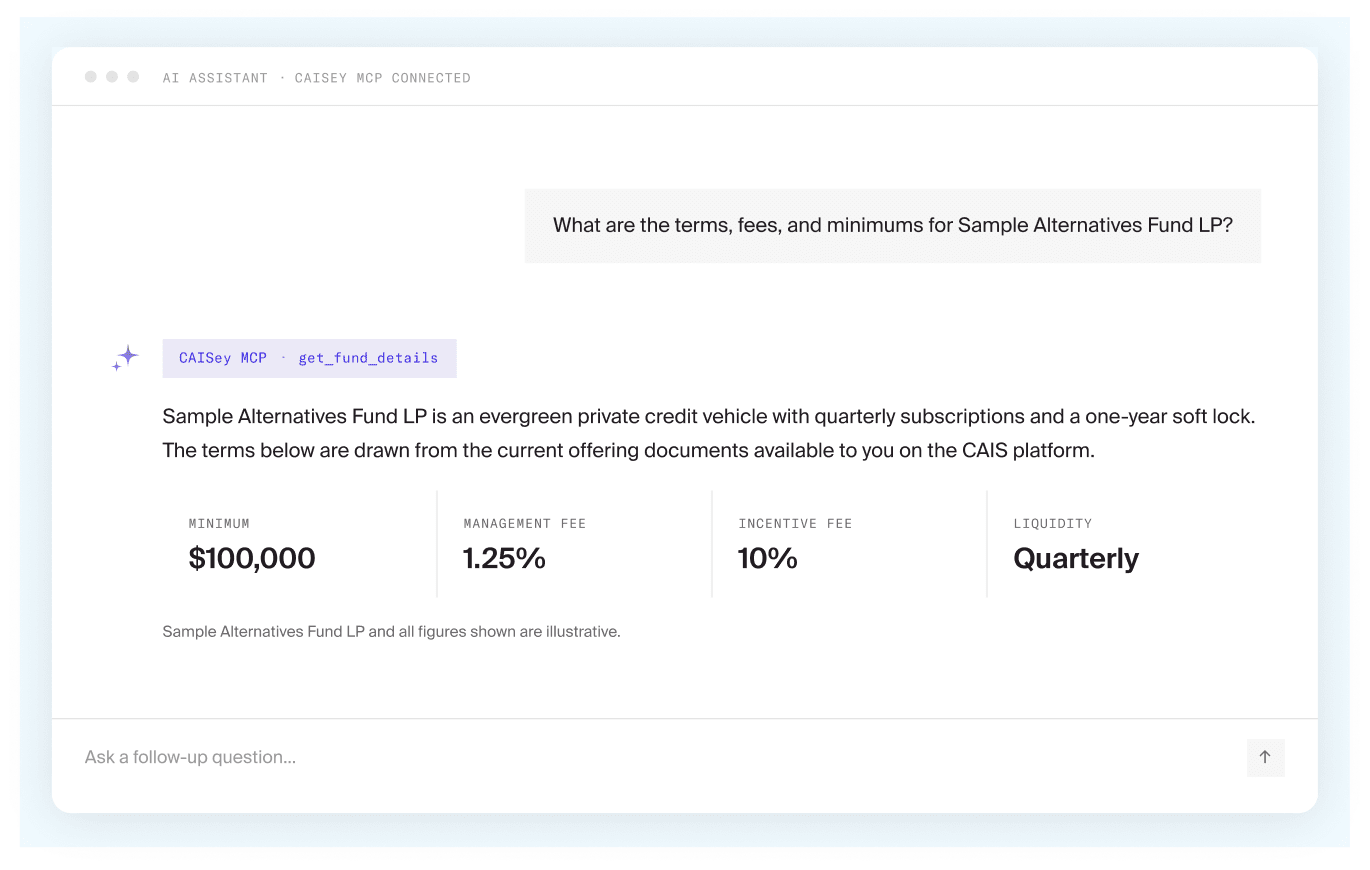
When using Claude, advisors can source information directly from the CAIS platform to research funds, check terms and performance, and explore alts concepts, all within your firm’s approved Claude environment. Existing CAIS platform permissions continue to govern the data available to each user.

Search available fund data and documents for specific themes or exposures.

Review available fund terms, fees, minimums, and other details.

Query available fund performance information.

Explore alternative investment concepts and strategies.
CAIS hosts and operates a remote MCP server that gives Claude access to CAISey fund data. Users connect Claude to the CAIS platform and authenticate through an OAuth flow tied to their CAIS credentials, keeping the integration bound to the permissions and oversight your firm already relies on.
Access is governed by the user's existing CAIS permissions. The integration does not provide access to CAIS data that the user would not otherwise be entitled to view.
The integration is an additional access layer and is not a replacement for CAISey or the CAIS platform.
The integration is intended for use through a firm’s approved Claude environment and according to the firm’s AI governance controls.
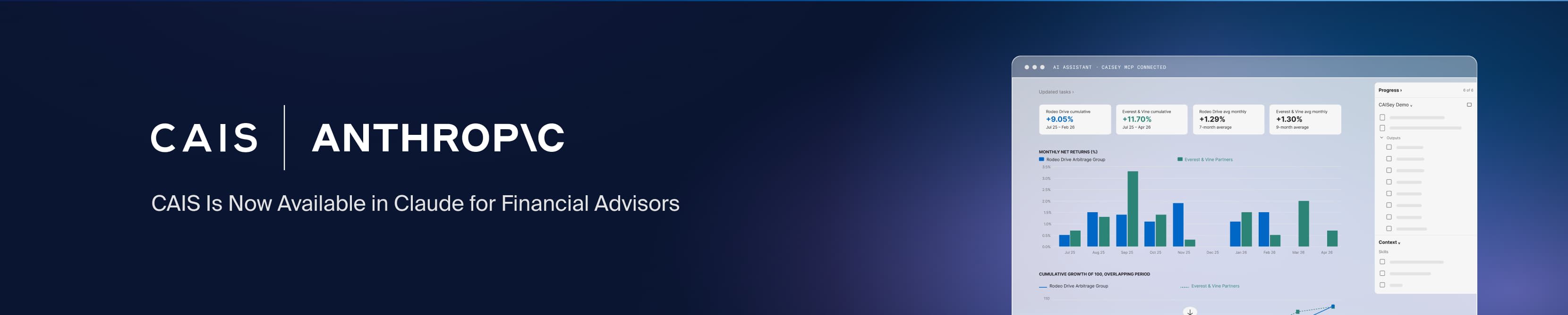
Connecting CAISey with Claude involves adding the CAISey MCP connector and authenticating with your CAIS credentials. The setup process varies depending on your Claude plan, with separate instructions for individual users and organizations using Team or Enterprise plans.
Access step-by-step instructions and additional information for connecting CAISey with Claude. The guide covers:
Connecting CAISey with Claude
Security, data privacy, and network requirements
Support, resources, and frequently asked questions
